Ramon Victor | May 2, 2016
There’s this thing going on in the Front-End Development community where everybody wants to re-write their applications to use React. Sorry to disappoint, but that’s not the case here. At work I mostly use vanilla javascript, therefore it is more beneficial for me to learn the concepts rather than the frameworks themselves.
With the amazing help and guidance of @ricardobeat, I’ve managed to build this Tic-Tac-Toe game using Redux principles with vanilla javascript. No React, no jQuery, no micro-library, it doesn’t rely on anything else. It’s just plain JS. Isn’t it great? In this post I’d like to share the approach that made this possible. Let’s get into the details.
The Redux pattern is mainly based on three fundamental principles:
Everything that can affect UI is saved on store.js. This is what the store looks like:
function Store() {
  this.state = {};
  this.state = this.update(this.state, {});
  // `this.update()` will return the initial state:
  // ----------------------------------------------
  // {
  //   grid: ['', '', '', '', '', '', '', '', ''],
  //   turn: 'x',
  //   score: { x: 0, o: 0 },
  //   winnerSequence: [],
  //   turnCounter: 0,
  //   player: ''
  // }
}Let’s see what happens, for instance, when user clicks on the table grid:
this.$table.addEventListener('click', function(event) {
  var state = store.getState();
  // [Prevent dispatch under certain conditions]
  // Otherwise, trigger `SET_X` or `SET_O`
  store.dispatch({
    type: state.turn === 'x' ? 'SET_X' : 'SET_O',
    index: parseInt(index, 10)
  });
});function updatePlayer(player, action) {
switch (action.type) {
case 'PICK_SIDE':
return action.side;
default:
return player || '';
}
}
// Call reducer on Store.update()
Store.prototype.update = function(state, action) {
return {
player: updatePlayer(state.player, action)
// [...other reducers]
};
};It’s pretty straightforward. Every time the store gets updated it notifies the subscribers so they can update the UI accordingly.
var store = require('./store');
var gridView = require('./grid-view');

TicTacToe.prototype.eventListeners = function() {
  store.subscribe(this.render.bind(this));
};

TicTacToe.prototype.render = function(prevState, state) {
  // You can even check whether new state is different
  if (prevState.grid !== state.grid) {
    this.gridView.render('grid', state.grid);
  }
};In the above case I’m doing it slightly different compared to store.subscribe(render) in Redux. I’m actually triggering a global event and letting game.js render the callback whenever necessary.
Update: I’ve changed from global event emitter to store.subscribe approach to simplify the code.
The important thing here is that we stick with the correct data flow. Which brings me to next topic.

Maybe you haven’t noticed, but on previous examples the data flow is always unidirectional. Game.js — the view — dispatches actions, store.js receives and process them with reducers which later triggers ‘store:update’ so finally we can render the UI updates.
You can read more about Data Flow on redux.js.org.
Ok, we have everything working on the client-side. But how is Tic-Tac-Toe connecting two players?
Implementing the back-end in node.js + socket.io was really simple and that’s one of the coolest things about Redux. Because everything is based on actions, which are by definition simple objects, the only requirement on the Back-end would be: receiving the action and dispatching it to other players connected in the same room/game id.
Everything starts on the client-side. When the page loads I generate a random ID, which will then be handed to the server.
// `config.room` is a random ID generated on page load.
var socket = io();

TicTacToe.prototype.init = function(config) {
  this.room = config.room;
};

TicTacToe.prototype.eventListeners = function() {
  socket.on('connect', this.onSocketConnect.bind(this));
  socket.on('dispatch', this.onSocketDispatch.bind(this));
};

// Notify socket.io that a new room has been created
TicTacToe.prototype.onSocketConnect = function(data) {
  socket.emit('room', this.room);
};

// When another player sends an action do the server,
// apply it to the client.
TicTacToe.prototype.onSocketDispatch = function(data) {
  store.dispatch(data);
};It’s all about registering the room and broadcasting the actions:
// [require modules and do some express setup]
// ...and here is where the magic happens:
io.on('connection', function(socket) {
  socket.on('room', function(room) {
    socket.join(room);
  });

  socket.on('dispatch', function(data) {
    socket.broadcast.to(data.room).emit('dispatch', data);
  });
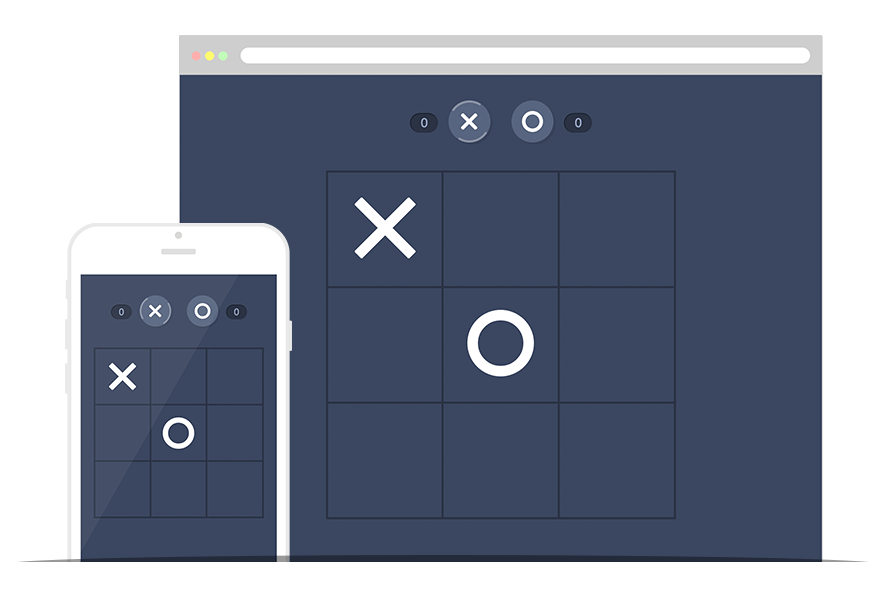
});The game was designed to work in different resolutions. On desktop version the favicon updates according to the player turn, check that out when you start playing. On mobile it’s possible to save the app on home screen, there’s a special logo icon for that.
“Ok, so how can I play the game?”
Is there an easier way to connect in the same room?
If you are using iOS you can share your browser url using AirDrop. That way your friend would load the same room/game id by default.
Redux has proven to be very easy to debug and fix issues. You have one single entity that represents the state of your application and the only way you can change it is by dispatching actions. I was also surprised how fast it was to integrate with a node.js server and make it broadcast certain actions to the front-end.
I’ve learned a lot of cool things working on this project and I hope you find this post useful. Check out Tic-Tac-Toe.js on github and have fun! :)